Accept Bitcoin in the modular store
Would you like to accept Bitcoin or Lightning in your online store – but your store software doesn’t offer this payment method?
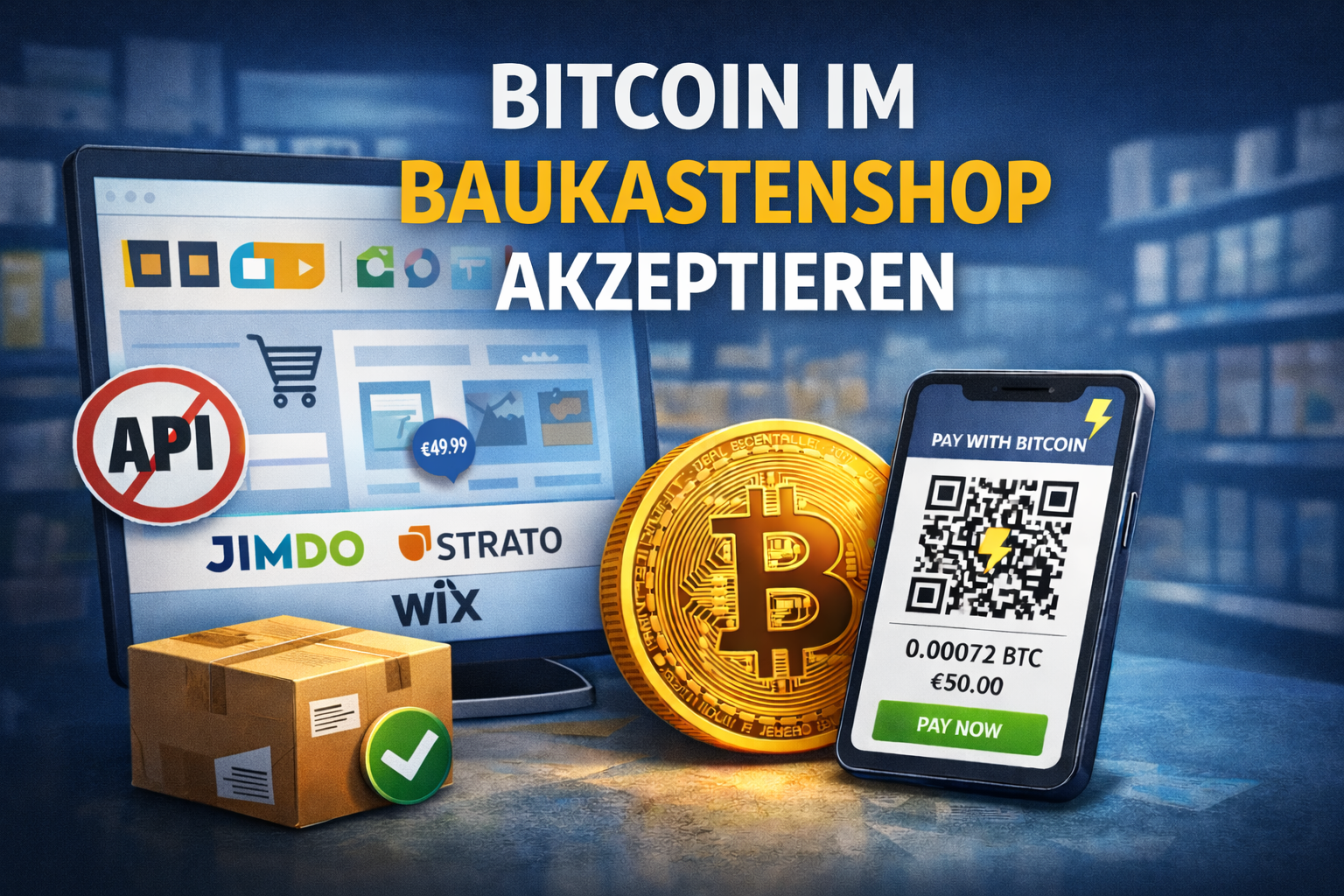
You are not alone in this. Especially with modular systems or hosted stores such as ePages, Strato, 1&1, Jimdo and similar solutions, merchants are limited to the payment methods approved by the provider. Own payment gateways, individual plugins or API connections are often not possible.
Bitcoin is not usually standard in these systems.
Does that mean you have to do without Bitcoin payments?
No. There is a practical way in which you can still accept Bitcoin – without any technical integration.
The typical problem of modular stores
Many modular store systems have a deliberately closed structure. Retailers can:
- Do not install your own plugins
- Do not integrate any additional payment providers
- Do not program individual interfaces
Modular systems are designed to work without programming knowledge.
This brings advantages:
- Quick setup
- Low technical hurdles
- Maintenance-free infrastructure
This limits flexibility. At the same time, however, these systems almost always offer a function that is often overlooked: manual payment methods such as prepayment or bank transfer.
Bitcoin wie eine klassische Banküberweisung behandeln
Put yourself in the practice for a moment:
- A customer orders a product in your store and selects “Bank transfer”.
- The order is saved with the status “open”.
- You submit your bank details.
- As soon as the amount has been credited to your account, you mark the order as “paid”.
This proven principle can be applied almost identically to Bitcoin.
Instead of your IBAN, the customer receives a Bitcoin payment link or a Bitcoin invoice.
Instead of a transfer to your bank account, the payment is made to your Bitcoin or Lightning address.
And instead of online banking, you check the receipt of payment with your Bitcoin payment provider or in your wallet.
The ordering process remains unchanged – only the means of payment is changed.
Bitcoin payment in practice
This is what it looks like in practice:
- You use the payment method “Prepayment” or “Bank transfer” in the store – optionally renamed to “Bitcoin / Lightning”.
- The customer selects this payment method in the checkout.
- The order is automatically saved as “open”.
- You create a Bitcoin payment link or a Bitcoin invoice.
- The customer pays with Bitcoin or Lightning.
- Once payment has been confirmed, you set the order to “paid”.
Technically, your store system remains untouched.
Bitcoin payment link or Bitcoin invoice form?
Depending on the business model, there are two options.
Bitcoin Payment Link
All payment information is already stored. The customer clicks on the link and pays.
This option is particularly suitable for classic product orders and manageable order quantities. The effort lies with the retailer who creates the link – but the payment process is particularly convenient for the customer.
Read more:
https://coincharge.io/bitcoin-payment-link/
Bitcoin invoice form
Here, a form is integrated into your own website. The payer enters the required information themselves and thereby generates the payment request.
This reduces the preparation effort for the merchant and is particularly suitable if many potential payers are to trigger payments independently.
Read more:
https://coincharge.io/bitcoin-rechnung/
Why you shouldn’t just send your customer your Bitcoin address
At first glance, it seems simple:
Why not just send your own Bitcoin address and tell the customer how much they should pay?
The problem lies in price volatility.
If you were to specify the Bitcoin amount at the time of invoicing, the customer could decide whether they really want to pay in Bitcoin or prefer to transfer in euros depending on the exchange rate. If the exchange rate falls, they pay in Bitcoin. If it rises, they switch to another payment method.
This would indirectly leave the price decision to the customer.
It is therefore more professional to calculate the Bitcoin amount dynamically at the time of the actual payment.
Dynamic price calculation for Bitcoin payments
A Bitcoin Payment Link and Bitcoin Invoice works with an automatic conversion based on the current exchange rate at the time of payment.
Example:
If the Bitcoin price is € 75,000, an invoice for € 50 corresponds exactly to the Bitcoin amount that corresponds to this equivalent value at the time of payment – not yesterday’s or tomorrow’s price.
This prevents tactical behavior and reduces the risk of volatility for both sides.
This is precisely the task of a specialized Bitcoin payment provider.
He takes care of:
- Automatic price calculation
- Payment processing (Onchain & Lightning)
- Payment confirmation
- Forwarding to your wallet
You can find an overview of suitable providers here:
https://coincharge.io/bitcoin-zahlungsanbieter/
Who is this solution suitable for?
This approach is ideal for:
- Retailers with modular stores
- Stores without API access
- Companies that want to test Bitcoin first
- Small and medium order volumes
For very large stores with a high transaction volume, direct technical integration is more efficient in the long term. However, such stores generally rely on professional systems with open payment interfaces anyway.
For many small and medium-sized retailers, on the other hand, this solution is the easiest way to get started:
no system change, no developer, no complex integration.
Conclusion: Bitcoin in a modular store is possible – with the right approach
Even if your store software does not allow plugins or your own payment gateways, you can still accept Bitcoin.
Not through integration – but through the intelligent use of existing processes.
Bitcoin payments in the modular store are not so much a technical issue – but an organizational one.
Free initial consultation

If you would like to accept Bitcoin payments in your modular store, arrange your free initial consultation with us now.